Overview
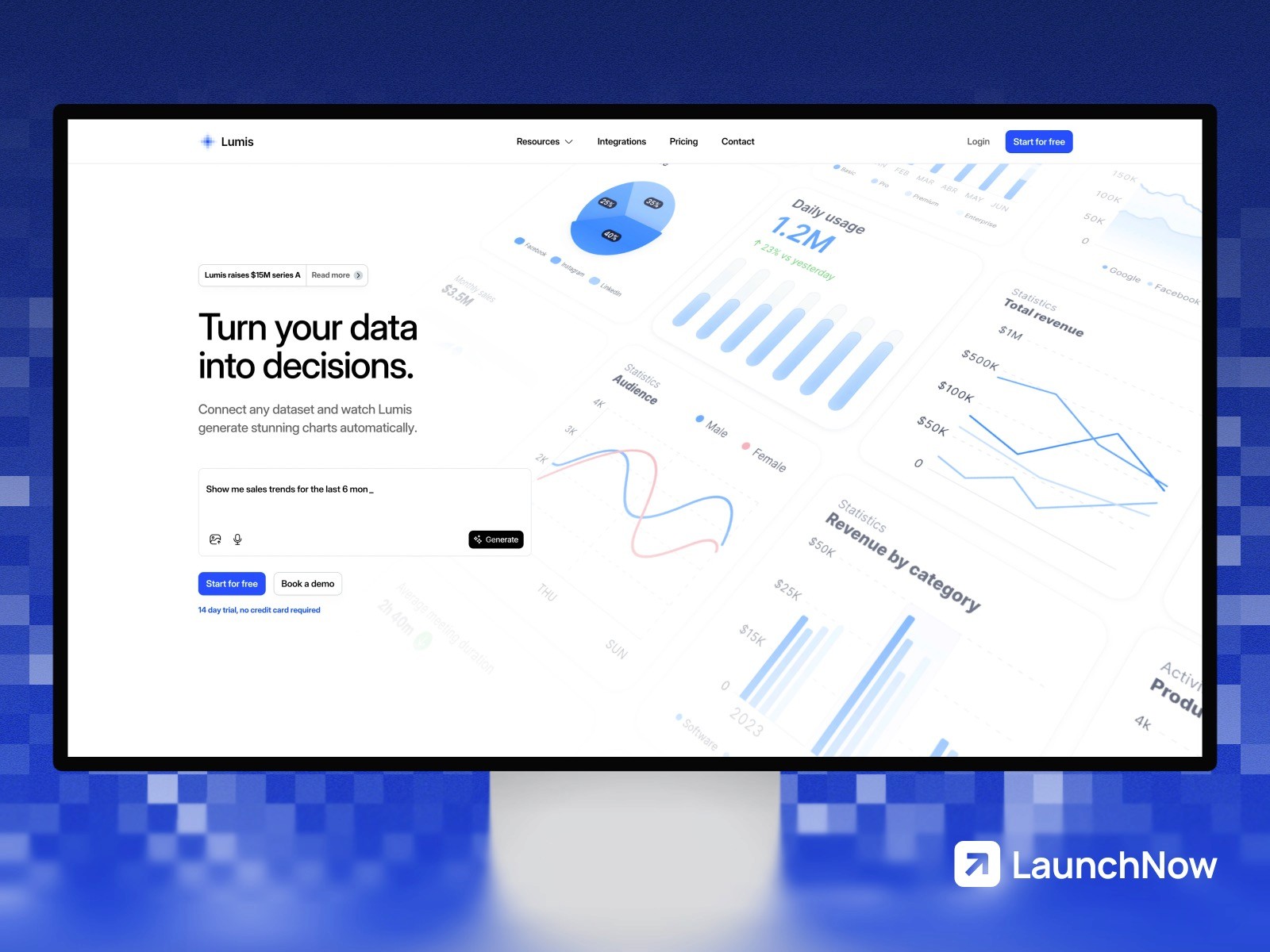
Embed interactive Lumis dashboards into Framer sites without code. Perfect for client portals, public data pages, or internal tools. Dashboards inherit your Framer styling and remain responsive across all device sizes. Updates to dashboards in Lumis appear immediately in your published Framer site.
How it works
Create a dashboard in Lumis, then generate an embed code with custom styling options. Paste the embed URL into a Framer embed component. Configure access controls to make dashboards public or require authentication. Customize colors, fonts, and layout to match your Framer design system.
Configure - implementation details
Embedded dashboards use iframe isolation with postMessage communication for secure cross-origin interaction. Responsive breakpoints adapt automatically to Framer's layout system.
" height="40.000000635782875px" id="PW9UVvG9l" transform="translate(6.665 0)" width="26.666666666666668px"/></svg>)